
Have you ever noticed how often we turn to the internet for answers? In fact, about 68% of all online experiences start with a search engine. But where does it end? That’s a tricky one.
Sometimes, all you can find are irrelevant articles or ads, and sometimes, just general facts. But what if you need real, specific information, like finding someone’s contact details? Use Google? Social media? Or a unique tool for searching people and data?
Yes, the last option looks promising. This is where Searqle claims to help. But is it as good as it sounds? Let’s take a closer look at this Searqle review.
What Is Searqle Used For?
Searqle is an online tool designed to help users find people by searching with a phone number, email address, or photo. It’s a no-frills, efficient tool that simplifies the process of learning more about your contacts, with fast access to publicly available details.
Why do people use it? Is Searqle legit?
It’s one of those tools that people turn to when they’re looking for something specific but don’t have the time or resources to waste on irrelevant search results.
For some, the urgency is high. Maybe they’re trying to reach a supplier for a business deal or a client for a last-minute meeting. For others, it’s a personal need — a long-lost friend or family member who has disappeared from social media. But all the options are legit.
Searqle Key Features
Here’s a quick list of the strong features that make Searqle unique among people search tools.
- Phone Lookup
- Email Lookup
- Photo Lookup
Searqle Features Overview
So, how do all these features work?
Phone Lookup
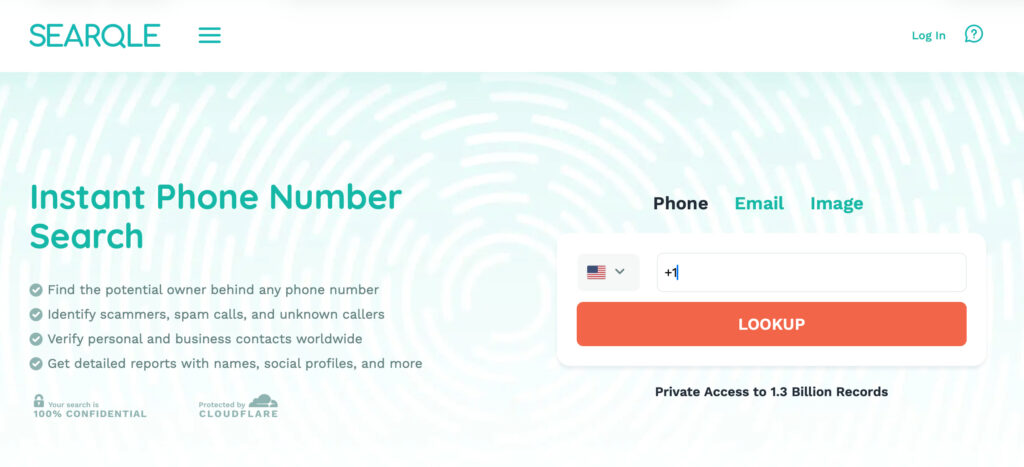
You get a call from an unfamiliar number. Your heart races. Is it a scam? An important business call? Or maybe it’s a number that’s been calling your kid, and you have no idea who it belongs to. Ignoring it feels risky, but answering could be worse. Phone Lookup solves the problem. Type in the number, and Searqle pulls together publicly available details tied to it — helping you decide whether it’s worth calling back, or worth a closer look before your child does.
The tool works with landlines and mobile numbers alike, so it doesn’t matter if the call came from a local business line or a random cell number showing up on a family member’s phone. Once you run the search, Searqle scans public and online sources to put together a report that can include the owner’s identity information (name, age, known aliases), other contact records tied to the number, and details about their broader online presence. It’s a simple way to move from “who is this?” to an actual answer, without having to guess.
Email Lookup
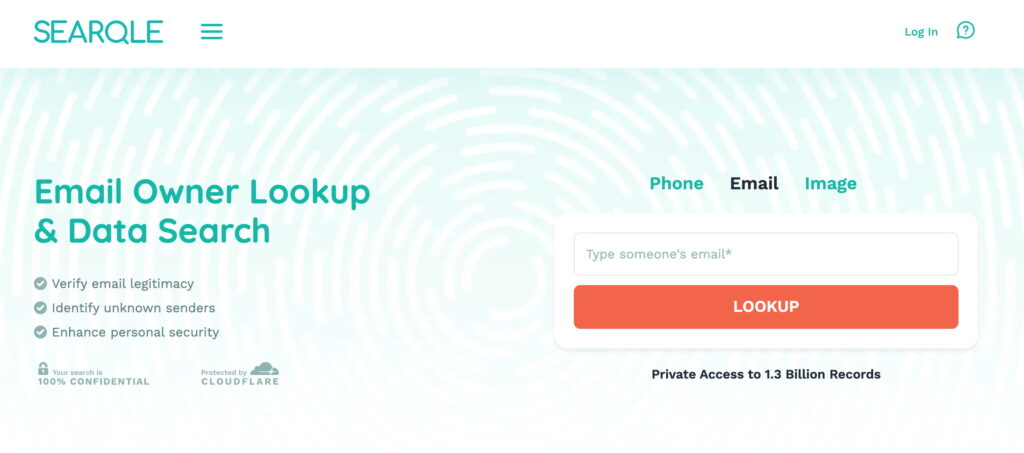
Email Lookup helps you verify the sender’s authenticity by pulling up publicly available details about the email owner, so you have a better sense of who you’re dealing with before you hit reply — or before your child does.
Perhaps a job offer that sounds too good to be true. A message from someone who claims to know you, or claims to know your teenager. Or an email that just feels… wrong. If you don’t want anyone in the family clicking on something suspicious, try this feature.
It’s especially useful in situations where the sender’s name means nothing to you, but the message asks for something urgent — a payment, personal information, or a callback. Enter the email address, and Searqle pulls together whatever publicly available identity and contact information is tied to it, so you can judge for yourself whether the message is worth trusting or better off ignored entirely.
Face Recognition
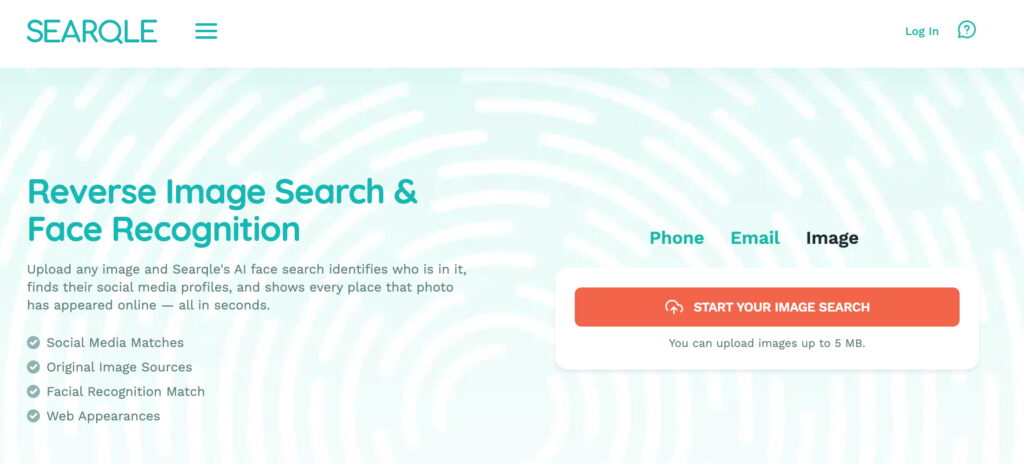
Sometimes all you have is a picture. Searqle’s Photo Lookup lets you search using just an image, pulling together publicly available information to help you learn more about the person in it — handy when a name, number, or email simply isn’t available.
This comes in useful more often than parents expect: a profile picture on an account your child follows that seems off, a photo someone sent out of the blue, or an old picture of someone you’re trying to place before deciding whether they belong in your family’s circle of trust. Instead of needing extra details to start, you just upload the photo and let Searqle do the work, surfacing whatever identity and online presence information is publicly tied to the person shown.
What a Searqle Report Can Include
Starting from just a phone number, email address, or photo, a Searqle report can pull together identity information (full name, age, date of birth, profile photos, known aliases), contact details, current and previous addresses, family and relationship connections, work and education history, and a person’s online presence — including social media profiles and other public accounts. Depending on available data, reports may also include vehicle-related records, other publicly available records, contact history, location-related information, and data breach exposure details.
What Do Searqle Reviews Say?
No one wants to spend hours digging through outdated records or clunky interfaces just to find a simple piece of information. So, how does Searqle actually perform?
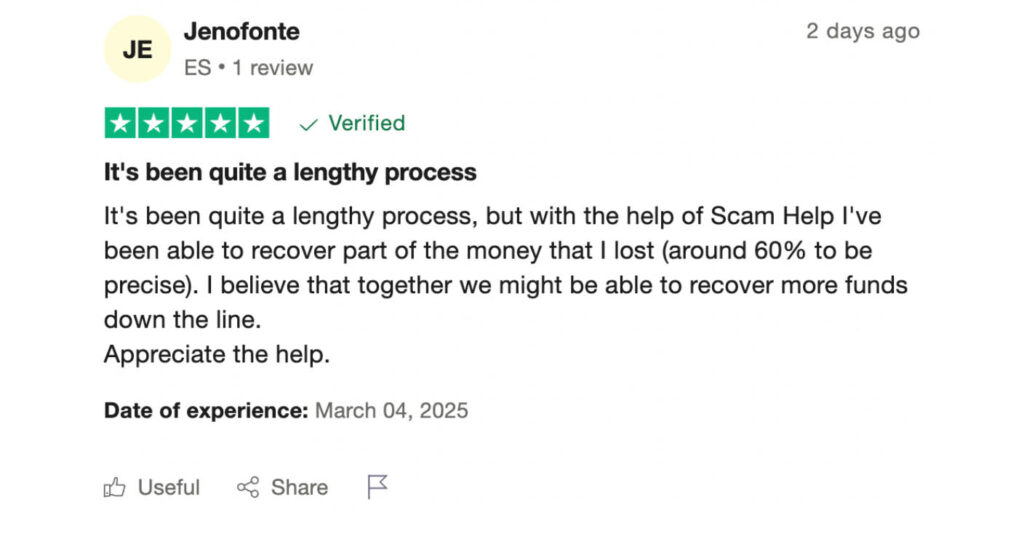
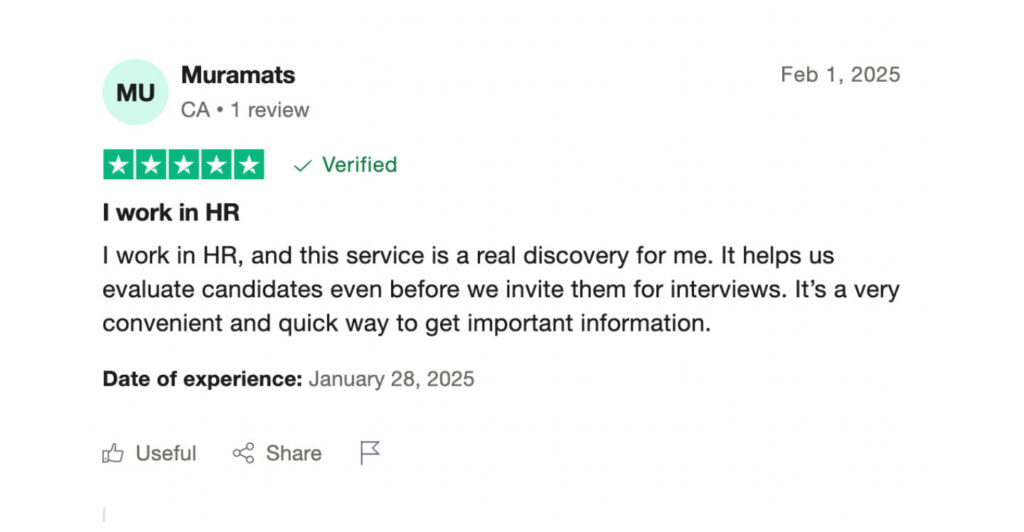
To give you an honest perspective, we’ve analyzed real Searqle reviews from actual users.
How Much Does Searqle Cost?
Pricing is always a big factor when choosing a people search tool. Searqle offers a 7-day trial for $1.00, giving new users access to its core search capabilities before committing to a subscription. From there:
Monthly subscription — $39.90/month: 20 search credits and full access to platform features. Best suited for frequent users doing ongoing research or running multiple searches a month.
Weekly subscription — $14.90/week: 4 search credits and access to Searqle’s search tools, identity verification capabilities, and phone, email, and photo search options. Best suited for quick identity checks and short-term use cases.
The Main Takeaways
Every tool has its pros and cons, and Searqle is no different. Here’s a rundown of the main pluses and minuses so you know what to expect.
Why Users Like Searqle
- Fast and simple searches. One of the biggest positives users highlight is Searqle’s speed. Searches return results quickly, making it easy to find publicly available details without delays.
- User-friendly interface. No complicated menus, no unnecessary steps. Just enter a phone number, email, or photo, and the tool delivers a report. Even first-time users find it intuitive.
- Multiple search options. Whether you need to look up a phone number, an email, or a photo, Searqle provides multiple ways to start a search.
- Useful for reconnecting & verifying contacts. From finding lost connections to checking the legitimacy of a business contact, Searqle helps users verify important details before making decisions.
Where Searqle Falls Short
- Limited free access. To get the full picture, you’ll need to pay. Searqle’s trial gives a taste of the core features, but to get the full report, you’ll need to subscribe.
- Accuracy can vary. The results depend on the data available. Some users report outdated or incomplete details, especially for less frequently updated records.
Conclusion
Information is everything. Fast access to information is even more. Searqle gives you the info you need in a flash, starting from just a phone number, email, or photo, and it’s a breeze to use. It might not be perfect, but its easy-to-use interface and efficiency make it a solid pick for anyone who values accuracy and speed. Need answers? Give Searqle a go!