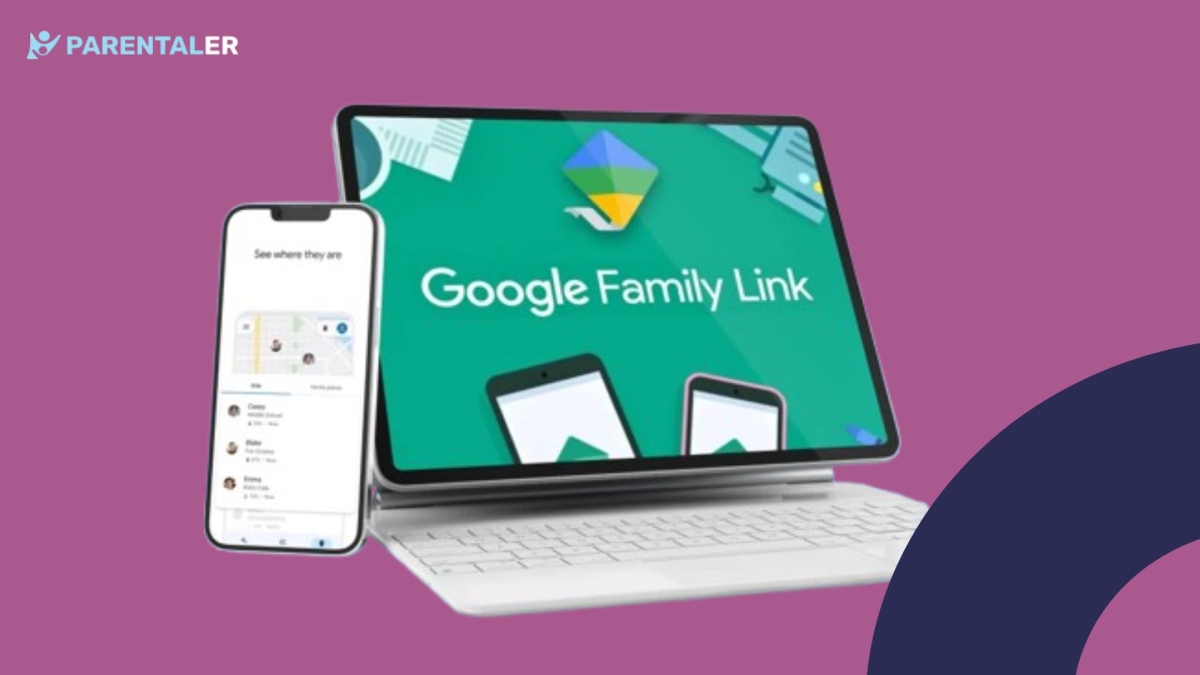
Google Family Link ist eine App zur elterlichen Kontrolle, mit der die Nutzer das digitale Leben ihrer Kinder verwalten können. Da der Schwerpunkt auf der elterlichen Kontrolle liegt, fragen sich viele Eltern, wie ich die Textnachrichten meines Kindes auf Family Link sehen kann.
Die Anwendung ermöglicht es den Eltern zwar, die App-Nutzung und die Bildschirmzeit zu verwalten, aber die Fähigkeit, Textnachrichten zu lesen, ist sehr begrenzt. Lassen Sie uns diese App im Detail besprechen, ebenso wie die beste Option für Eltern, um die elterliche Kontrolle zu gewährleisten.
Family Link Überwachungsfähigkeiten
Kann Family Link Textnachrichten von mit ihm verbundenen Konten sehen? Wenn Sie sich diese Frage stellen, dann lautet die Antwort in einem Wort: Nein. Es handelt sich um einen Dienst zur elterlichen Kontrolle, den Google anbietet, um Eltern bei der Verwaltung des digitalen Lebens ihrer Kinder zu helfen.
Hier ist eine Liste der wichtigsten Funktionen, die Google Family Link bietet:
- Begrenzen Sie die Bildschirmzeit: Setzen Sie Ihrem Kind tägliche Bildschirmzeitlimits mit “Ausfallzeit” und “Schulzeit” Zeitpläne.
- Online-Inhalte filtern: Blockieren Sie ungeeignete Inhalte in Google-Anwendungen wie Google Search, YouTube, Google Play und Chrome.
- Apps verwalten: Legen Sie Zeitlimits für die Nutzung von Apps fest und sperren Sie auch die Apps, die Ihr Kind nicht nutzen soll.
- Standortüberwachung: Finden Sie auf Google Maps heraus, wo sich Ihr Kind aufhält, um über seinen Aufenthaltsort informiert zu sein.
Wie Sie sehen können, ist es nicht möglich, Google Family Link zur Überwachung der Textnachrichten Ihres Kindes zu verwenden. Es handelt sich lediglich um eine Management-App, mit der Sie Ihrem Kind helfen können, ein gesundes Gleichgewicht im Umgang mit der Technologie zu finden.
Sehen Sie die Textnachrichten meines Kindes mit Parentaler
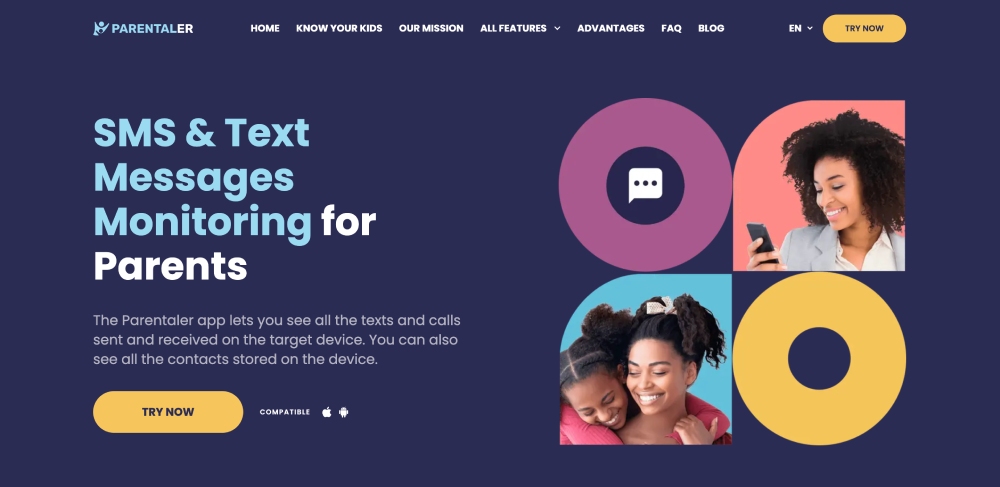
Anstatt sich zu fragen, wie man Textnachrichten auf Family Link sehen kann, ist es besser, eine Smartphone-Überwachungslösung wie Parentaler.
Es ist eine der beste Telefonüberwachungs-Apps die Sie verwenden können, um alle Telefonaktivitäten Ihres Kindes zu überwachen.
Das Besondere an dieser App ist, dass Sie sie nur einmal auf dem Telefon Ihres Kindes installieren müssen. Danach können Sie es mit Ihrem eigenen Gerät über ein benutzerfreundliches Dashboard überwachen.
Von ein- und ausgehenden SMS und Social-Media-Nachrichten bis hin zu früheren Textverläufen mit Kontaktnamen, Zeitstempeln und Anhängen - mit Parentaler können Sie alles verfolgen. Darüber hinaus bietet es auch eine breite Palette von anderen Smartphone-Überwachungsfunktionen, einschließlich:
- E-Mail-Konversation mit Adressinformationen, Anhängen und Zeitstempeln
- Live-GPS-Standortverfolgung mit Geofencing und Echtzeitwarnungen
- Anrufprotokolle und Kontaktbuchüberwachung
- Keylogging zur Anzeige jedes auf dem Telefon getippten Wortes
- Bildschirmaufzeichnungen zur Überwachung des allgemeinen Telefonnutzungsverhaltens
- Blockieren von Apps und Websites zum Filtern von Inhalten
Eine weitere hervorragende Eigenschaft von Parentaler ist, dass es sowohl iPhone- als auch Android-Betriebssysteme unterstützt. Außerdem verfügt es über einen Stealth-Modus, mit dem Sie die Telefonaktivitäten Ihres Kindes diskret verfolgen können.
Family Link vs. Tools zur vollständigen elterlichen Überwachung
Die App bietet zwar grundlegende Kindersicherungsfunktionen, die Ihnen helfen, das digitale Leben Ihres Kindes zu kontrollieren, aber es ist immer noch nicht möglich, Google Family Link zum Lesen von Textnachrichten zu verwenden. Darüber hinaus bietet es auch keine anderen Funktionen zur Überwachung der Telefonaktivitäten, mit denen Sie das digitale Wohlbefinden Ihres Kindes sicherstellen können.
Auf der anderen Seite bietet Parentaler alles, was Sie brauchen, um die digitalen Interaktionen Ihres Kindes im Auge zu behalten. Von der Überwachung von Textnachrichten und der Verfolgung sozialer Medien bis hin zum Zugriff auf Anrufprotokolle und Keylogging bietet es Ihnen vollen Einblick in die Online-Aktivitäten Ihres Kindes.


Schlussfolgerung
Es ist zwar nicht möglich, mit Google Family Link die Textnachrichten Ihres Kindes zu überwachen, aber das bedeutet nicht, dass Sie die täglichen Messaging-Aktivitäten Ihres Kindes nicht verfolgen können.
Die effektivste Methode, dies zu erreichen, ist die Verwendung einer vollständigen Telefonüberwachungslösung wie Parentaler. Damit können Sie sicherstellen, dass Ihr Kind nicht in schädliche digitale Interaktionen verwickelt wird und sicher bleibt.