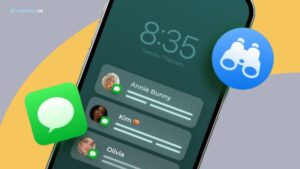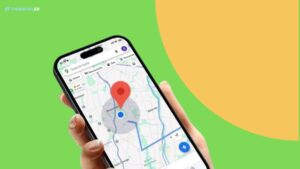
Je weet al dat kinderlokkerij via mobiele communicatie toeneemt, wat vooral alarmerend is voor kinderen. Als je je zorgen maakt over je kind, wil je misschien weten hoe je berichten op een andere telefoon kunt controleren.
Met de ingebouwde functies van het besturingssysteem van iPhone- en Android-smartphones kun je echter niet de sms-berichten van je kind lezen. Om dat te bereiken, moet je een uitgebreide smartphone monitoring oplossing zoals Parentaler gebruiken.
Is het mogelijk om berichten van een andere telefoon te bekijken?
Zoals eerder gezegd, hebben besturingssystemen voor smartphones geen standaard ingebouwde functies die je kunt gebruiken om de sms-berichten van je kind te controleren.
Hoewel er opties zijn voor het doorsturen van berichten en het synchroniseren van accounts die je kunt gebruiken, vereisen deze complexe handmatige instellingen en ook de referenties van de accounthouder. Bovendien kan je kind deze functies op elk moment uitschakelen vanaf zijn telefoon.
Daarom is er geen betrouwbare manier om consequent en discreet tekstberichten te bekijken die zijn verzonden en ontvangen vanaf een andere telefoon op iPhone- en Android-besturingssystemen.


Ontvang de berichten van mijn kind met Parentaler
Parentaler is een krachtige app voor het monitoren van smartphones, en het is het beste hulpmiddel om toegang te krijgen tot tekstberichten op een andere telefoon. Eenmaal geïnstalleerd kun je je eigen apparaat gebruiken om de activiteiten van een andere telefoon te volgen, inclusief:
- Controleer zowel verzonden als ontvangen berichten met tijdstempels en bijlagen
- Gesprekslogboeken en telefoonboek met namen en nummers bekijken
- Volg berichtactiviteiten op alle populaire sociale mediaplatforms
- Controleer alle getypte woorden met trefwoordwaarschuwingen
- Analyseer periodiek genomen schermafbeeldingen om algemene mobiele gebruikspatronen te bekijken
- Volg locatie in realtime op een interactieve kaart met gedetailleerde locatiegeschiedenis
- Stel virtuele grenzen in om direct waarschuwingen te krijgen wanneer ze worden overschreden
- Bekijk de kalender voor alle geplande evenementen
- Bekijk de telefoongalerij om alle opgeslagen foto's en video's te bekijken
- Blokkeer schadelijke apps en websites die je niet goedkeurt
- Browsegeschiedenis en bladwijzers bijhouden
Tot slot, Parentaler instellen is extreem eenvoudig, waardoor je telefoons kunt koppelen om berichten te bekijken en toegang hebt tot alle andere functies die hierboven zijn genoemd op een gebruiksvriendelijk dashboard. Bovendien heeft het ook een ingebouwde onzichtbare modus om je te helpen je telefoon discreet te monitoren.
Opties voor het monitoren van Android- vs iPhone-berichten
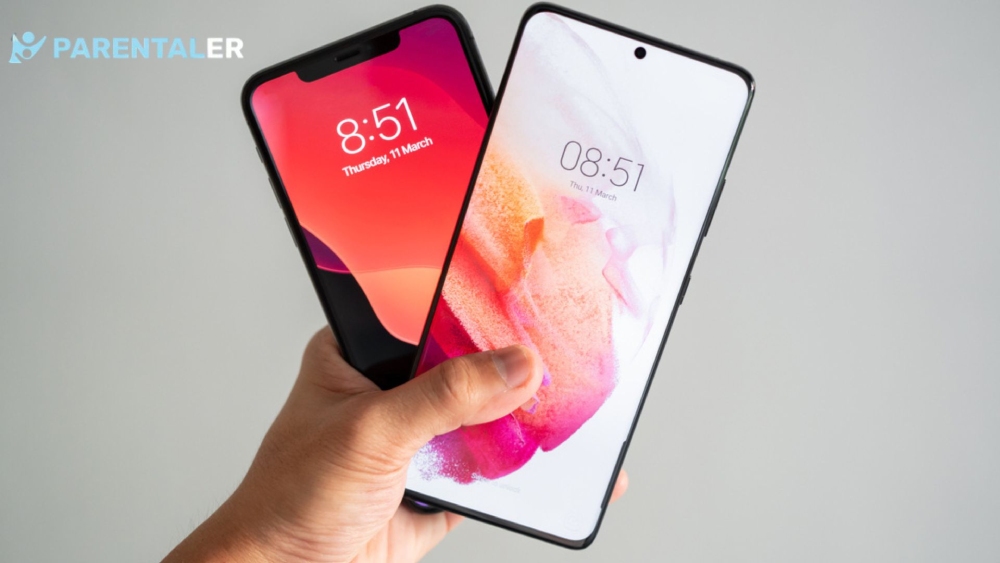
Over het algemeen is Android flexibeler dan iOS omdat het apps diepere systeemtoegang biedt zodra de vereiste machtigingen zijn verleend. Het maakt het makkelijk voor monitoring-apps om gegevens over telefoonactiviteiten te verzamelen, zodat je gemakkelijk toegang hebt tot sms-berichten op een andere telefoon.
Aan de andere kant volgen iPhones strikte privacycontroles, wat betekent dat het instellen van berichtenmonitoring erop een beetje ingewikkelder is dan op Androids. Maar als alles correct is geconfigureerd, is het nog steeds mogelijk om bijna alle telefoonactiviteiten op een iPhone te controleren.
Parentaler is zo ontworpen dat het zich gemakkelijk aanpast aan de verschillen tussen de platforms en voor elk de juiste methode gebruikt. Het stelt je in staat om telefoons te koppelen om berichten en telefoonactiviteiten te bekijken vanuit één gebruiksvriendelijk dashboard, ongeacht welk apparaat je kind gebruikt.
Conclusie
Zoals je kunt zien, is het gebruik van de ingebouwde functies van smartphone besturingssystemen geen haalbare optie om tekstberichten te bekijken die zijn verzonden en ontvangen vanaf een andere telefoon. De meest effectieve methode hiervoor is het gebruik van een smartphone monitoring app zoals Parentaler.
Hiermee kun je niet alleen sms'jes op een apparaat in de gaten houden, maar ook bijna alle andere telefoonactiviteiten.