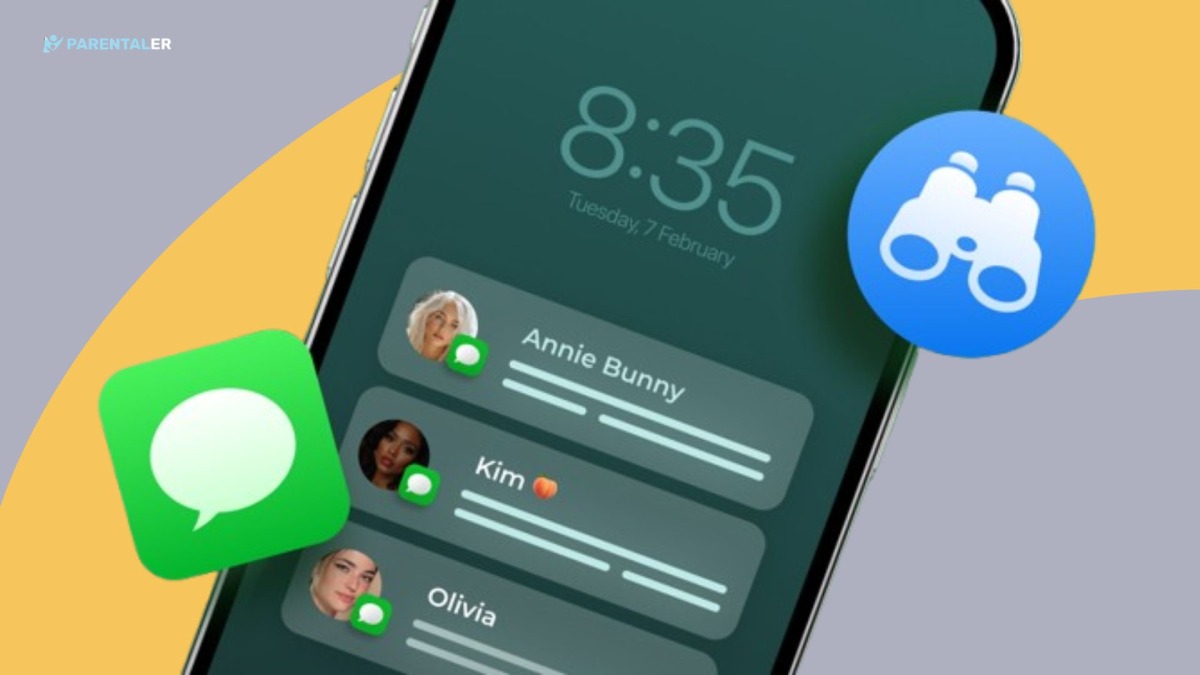
Entregarle un iPhone a tu hijo puede ser como darle un pequeño ordenador, una vida social y todo Internet en una pantalla brillante. Es emocionante, pero también conlleva nuevas preocupaciones. ¿Con quién hablan? ¿Adónde van después de clase? ¿Comparten demasiado con las personas equivocadas? Si siente esa tensión, no está solo. El software de supervisión de iPhone adecuado puede ayudarle a mantenerse informado sin convertir la crianza en un interrogatorio constante.
Esta guía le explica qué es lo más importante, qué opciones suelen comparar los padres y por qué destaca Parentaler, sobre todo en lo que se refiere a una supervisión fiable de la ubicación.
Qué debe significar para los padres la “supervisión del iPhone
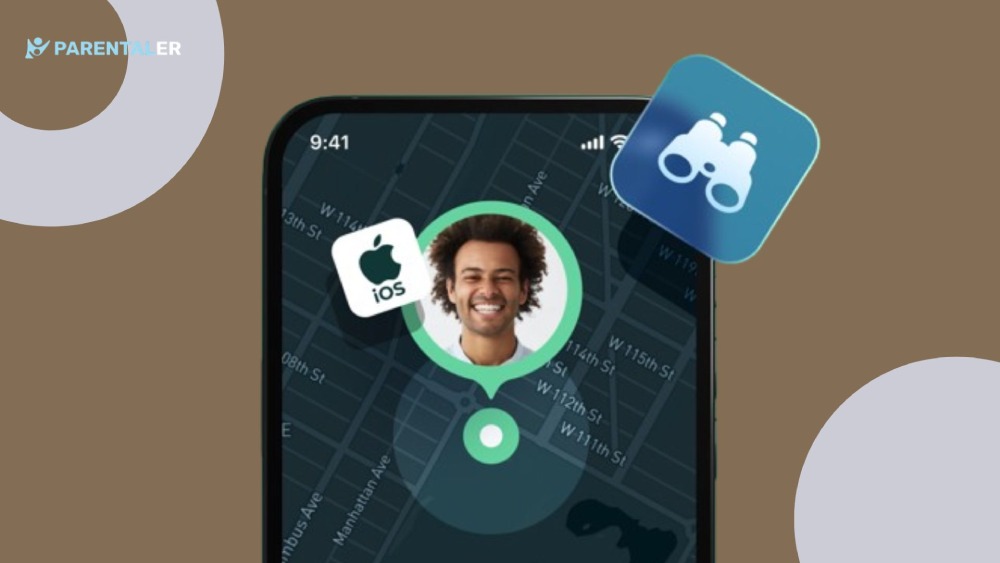
Seamos sinceros: muchos padres no quieren “espiar”. Quieren proteger. Una auténtica supervisión del iPhone debe favorecer la seguridad y la confianza al mismo tiempo. Eso significa que usted obtiene visibilidad de lo que podría poner a su hijo en peligro, mientras que su hijo sigue sintiéndose respetado.
Las razones más comunes por las que los padres se plantean la vigilancia son
- Seguridad durante los desplazamientos y las actividades extraescolares
- Contacto en línea con desconocidos
- Encuentros arriesgados, retos o presión de grupo
- El acoso que se produce discretamente en los chats
- El desplazamiento nocturno afecta al sueño y al estado de ánimo
Cuando el iPhone de tu hijo se convierte en el centro de su mundo, necesitas herramientas sencillas que te ayuden a estar presente, no paranoico.
Las características más importantes
No todas las aplicaciones de control del iPhone dan el mismo valor. Algunas se centran en el tiempo de pantalla. Otras se centran en los filtros de contenidos. Pero si tu principal preocupación es la seguridad fuera de casa, las funciones de localización son las más importantes.
Esto es lo que suelen buscar los padres:
- Localización en tiempo real (para poder comprobarlo rápidamente cuando sea necesario)
- Historial de ubicaciones (para poder confirmar rutinas y patrones)
- Alertas geográficas (para saber cuándo entran o salen de lugares clave)
- Seguimiento en función de la batería (porque “mi teléfono murió” pasa mucho)
- Un salpicadero limpio (para que no pierdas tiempo averiguándolo)
Una gran herramienta no te ahoga en datos. Te da claridad en el momento exacto en que la necesitas.
¿Qué opciones suelen comparar los padres?
Al buscar una aplicación de control telefónico para iPhone, la mayoría de los padres acaban buscando una combinación de herramientas integradas de Apple y aplicaciones de terceros. Cada una tiene sus ventajas y sus inconvenientes.
Herramientas integradas de Apple (Find My + Screen Time)
Find My de Apple puede compartir la ubicación dentro de las familias, y Screen Time ayuda con los límites de las aplicaciones y las restricciones de contenido. Son puntos de partida útiles, sobre todo si tu hijo se compromete a utilizarlos de forma sistemática.
Pero muchos padres se encuentran con los mismos problemas: el uso compartido de la ubicación se desactiva, los ajustes cambian y no siempre se tiene una visión completa cuando los planes cambian rápidamente.
Aplicaciones de control de terceros
Las herramientas de terceros suelen ofrecer más estructura, mejores vistas del historial y cuadros de mando orientados a los padres. Algunos padres las eligen cuando los ajustes integrados les parecen demasiado limitados para la vida real.
Ahí es donde encaja Parentaler, sobre todo si su prioridad es una supervisión de la ubicación que siga siendo fiable.
Por qué Parentaler es una buena elección para la supervisión de ubicaciones
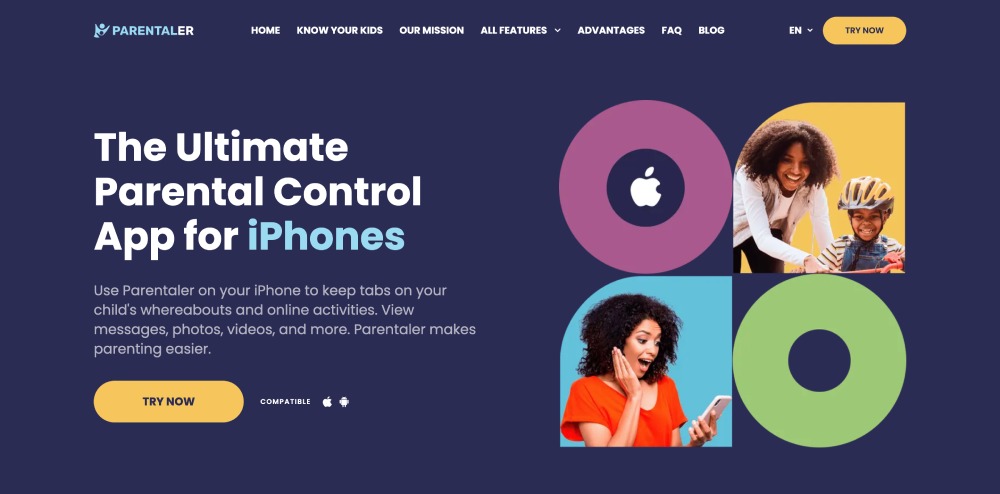
Los padres suelen descargarse aplicaciones de rastreo para iPhone porque la preocupación por la ubicación es inmediata. ¿Está mi hijo donde dijo que estaría? ¿Ha llegado bien a casa? ¿Está atrapado en algún sitio? Esas preguntas no vienen con una etiqueta de advertencia, simplemente las sientes en el pecho.
Parentaler se centra en hacer que el control de la ubicación sea práctico y coherente. En lugar de confiar en que el niño se acuerde de compartir su ubicación cada vez, Parentaler te ofrece un panel de control seguro en el que puedes hacerlo:
- Comprueba la ubicación actual cuando necesites tranquilidad
- Revisar el historial de ubicaciones para confirmar las rutinas
- Detectar patrones inusuales a tiempo (sin acusaciones)
- Reducir el envío constante de mensajes de texto, que puede desencadenar conflictos
Parentaler no sustituye a la crianza. La apoya, con tranquilidad, claridad y menos estrés.


Cómo elegir la aplicación “adecuada” según la edad del niño
Elegir las mejores aplicaciones de vigilancia para iPhone depende mucho de la edad y la madurez. Un niño de 9 años y uno de 16 necesitan distintos niveles de libertad.
- Niños más pequeños (menores de 12 años): más normas, más estructura, seguimiento coherente
- Secundaria (12-14): control de seguridad + independencia gradual
- Adolescentes (15+): tacto más ligero, pero potentes funciones de localización para emergencias
Un enfoque útil: sea transparente. Dígale a su hijo lo que rastrea y por qué. Póngaselo como un cinturón de seguridad, no como un foco.
Y si tu mayor temor es “¿Y si pasa algo y no puedo encontrarlos?”. - entonces tu objetivo principal es sencillo: rastrear la ubicación del iPhone de forma fiable.
Un escenario realista para los padres (y por qué importa la ubicación)
Imagínese esto: su hijo dice que está “en casa de un amigo”. Dos horas después, deja de contestar. Tu mente da vueltas. No quieres exagerar, pero tampoco quieres quedarte de brazos cruzados.
Aquí es donde ayuda a controlar la ubicación del iPhone con calma, sin pánico. Con Parentaler, primero puede comprobar la ubicación y después decidir qué hacer: enviar un mensaje de texto, llamar o esperar. Ese orden es importante. Evita que se agrave una situación que podría ser inofensiva, al tiempo que protege a su hijo si algo va realmente mal.
El control de la ubicación no resuelve todos los problemas de los padres. Pero puede evitar que te sientas desamparado en los momentos más importantes.
Qué evitar al elegir una solución de supervisión de iPhone
Algunas herramientas lo prometen todo, pero generan frustración. Esté atento:
- Configuración complicada que se come tu fin de semana
- Cuadros de mando confusos que ocultan información básica
- Control excesivamente agresivo que perjudica la confianza
- Falta de un historial de localización claro o de actualizaciones fiables
Las mejores herramientas son sencillas. Te conectas, compruebas, respiras. Eso es lo que realmente necesitan los padres.
Si su prioridad es la seguridad fuera de casa, concéntrese menos en “todos los mensajes” y más en una visibilidad fiable de la ubicación, especialmente durante los desplazamientos, las salidas y las últimas horas de la noche.
Cómo hablar con su hijo sobre la vigilancia (sin provocar una rebelión)
Tu hijo no quiere sentirse vigilado. Pero sí quiere sentirse seguro, lo admita o no.
Intenta decirlo:
- “No se trata de atraparte. Se trata de protegerte”.”
- “Si algo va mal, necesito encontrarte rápido”.”
- “A medida que muestres responsabilidad, aflojaremos esto con el tiempo”.”
Ese encuadre mantiene intacta la confianza. Y ayuda a tu hijo a entender por qué existen las aplicaciones de vigilancia del iPhone: seguridad, no control.
Reflexiones finales: ¿Qué aplicación de monitorización para iPhone debería elegir?
Si sólo quieres límites básicos, las herramientas integradas de Apple pueden ser suficientes. Si quieres una estructura más profunda y una experiencia más fácil para los padres, una herramienta de supervisión dedicada tiene más sentido.
Pero si su máxima prioridad es la seguridad de la ubicación -saber dónde está su hijo, dónde ha estado y si algo le parece raro-, Parentaler destaca como una opción práctica y prioritaria para los padres. Aporta claridad cuando más la necesitas, sin convertir tu día en un ciclo constante de comprobaciones.
Al final, la elección “correcta” es la que reduce el estrés y aumenta la seguridad. Para muchas familias, Parentaler hace exactamente eso.